Documentation
CalibrX docs
Product guide
Sign in to the platform
Every calibration, camera record, export, and analytics report lives inside an authenticated workspace.
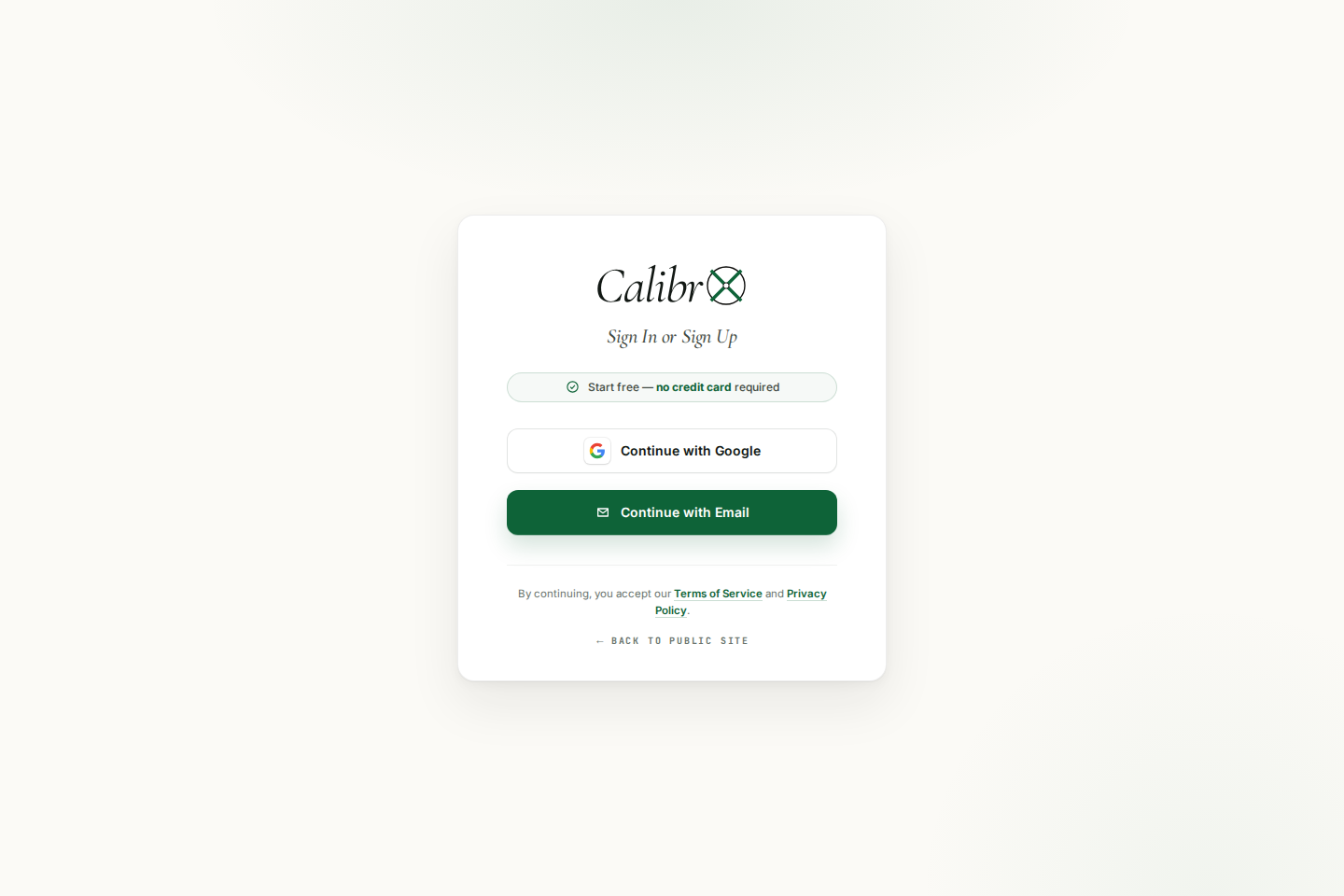
CalibrX is a private workspace. You sign in once, then everything you upload, validate, solve, and export stays attached to your account.
How to sign in
- Open CalibrX from the public header or the docs call to action.
- Continue with Google or email depending on your account configuration.
- After login, the protected calibration workspace opens automatically.
Need to go from read to build?
Open CalibrX and run your first calibration in minutes.